DocumentPulse
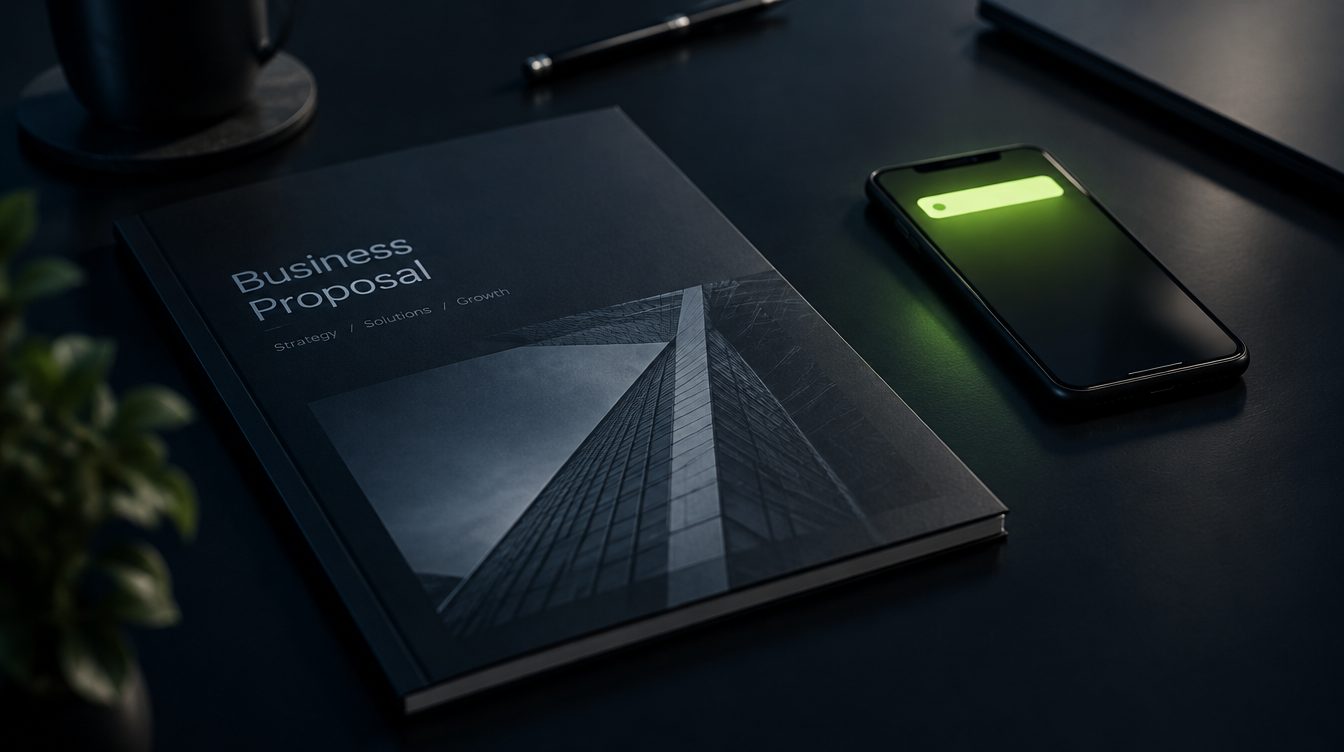
You sent the proposal on Monday. Should you call on Wednesday?
Share your PDF as a link. DocumentPulse tells you when it was opened and how often, so you follow up when it is fresh.
Opens
4
Days with visits
2
Last opened
Tue 16:20
Opened twice this afternoon. A good moment to call.
Email attachments disappear into silence
After sending a proposal you either call too early and sound pushy, or too late and the client has moved on. An attachment tells you nothing either way.
A share link tells you one useful thing: the document was opened. That is enough to time the follow-up.
Open the viewer yourself
This is the real viewer page your recipients see, with an example document. Opening it counts as an example view on our side.
Opens the recipient view in a new tab. The open is counted on our example account, without identifying you.
What people use it for
- Agencies and consultants
- Proposals and quotes: call when the link was opened twice in one afternoon.
- Brokers and sales teams
- Brochures and spec sheets: see which ones get opened at all.
- Freelancers
- Portfolios: set the link to expire after the pitch.
What you get
Share a documentShare links
Upload a PDF, give it a title, create one or several links, each with its own label.
Opens and downloads
Number of opens, unique visits per day, last opened, downloads when you allow them.
Expiry and switch-off
Set an expiry date or turn a link off in one click. The document stays, the link stops.
Open alerts
An email when a link is opened, at most once an hour per link.
No hidden tracking
We count link opens. We do not identify people, use tracking pixels or fingerprint visitors, and the viewer page says so.
How DocumentPulse works
- 1
Upload a PDF
Up to 10 MB on Starter, 25 MB on Advanced. We check every file before storing it.
- 2
Send the link
Use it in your email instead of an attachment.
- 3
See the activity
Opens appear in your feed, and you get an email if you want one.
Priced by the competitors you watch
Every plan includes all seven products. Plans differ in how many competitors get a dossier, how many monitors run and how fast they check.
Starter
One competitor and your own website.
€190/ year
- Competitor dossiers
- 1
- Monitors
- 10
- Fastest check
- every 6 h
- Check units / month
- 4,000
- History
- 90 days
- Reports
- Weekly brief
- Document storage
- 100 MB
- AI summaries and briefs / month
- -
- Support
- Help centre
Pro
RecommendedYour five closest competitors, the whole radar, AI briefs.
€490/ year
- Competitor dossiers
- 5
- Monitors
- 30
- Fastest check
- every hour
- Check units / month
- 25,000
- History
- 365 days
- Reports
- Weekly brief
- Document storage
- 500 MB
- AI summaries and briefs / month
- 100
- Support
- Help centre
Advanced
Agencies and teams watching whole markets.
€990/ year
- Competitor dossiers
- 15
- Monitors
- 100
- Fastest check
- every 15 min
- Check units / month
- 80,000
- History
- 730 days
- Reports
- Weekly brief, extended
- Document storage
- 2 GB
- AI summaries and briefs / month
- 400
- Support
- Help centre
Start with 14 days free: three competitor dossiers, ten monitors, real data, no card.
Units measure checks: a page check costs 1, a tender search 2, a business search 3, and a typical competitor dossier about 220 a month. Sources several customers watch are split between them. Units reset on the 1st.
FAQ
Can you tell me who opened it?
No. A link can be forwarded, so an open proves the document was viewed through that link, not by whom. We report exactly that.
Can recipients download the PDF?
Only if you enable downloads for that link. Without it there is no download button, though anyone can still save what their browser displays.
What happens when my storage is full?
New uploads are blocked until you delete a document or upgrade. Existing links keep working.
Is there a bandwidth limit?
Yes, per plan and month, so one very popular file cannot run up costs. If you reach it, links pause until the next month or an upgrade, and you get an email.